
A Training Lane Without Pressure
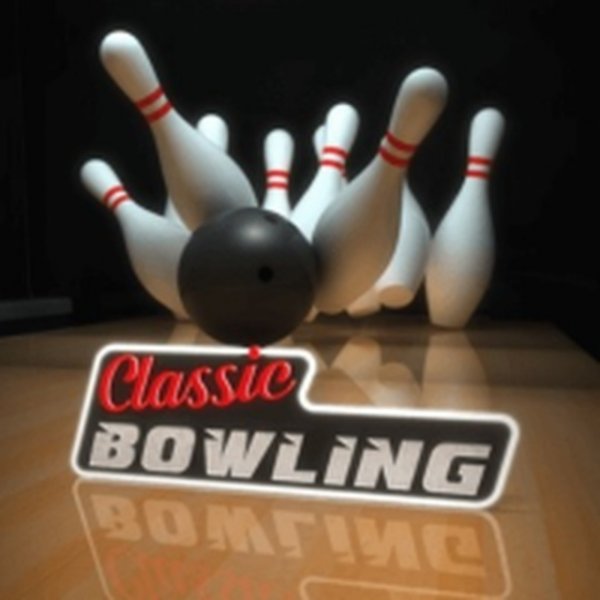
Ten-Pin Bowling Practice is built around a dedicated practice area that is always open. There are no timers, no opponents, and no requirement to rent shoes or carry equipment. The goal is straightforward: roll the ball down the lane and knock over all ten pins. Because the training environment never closes, you can repeat the same shot as many times as you like, which makes it easy to isolate one part of your throw and work on it.
Setting Up Each Roll
Before every throw, you make three decisions. First, you choose where to stand on the lane. Then you set the power of your throw by holding and releasing the mouse button on a computer, or by tapping and holding the screen on a phone or tablet. Finally, you can add spin to make the ball curve toward the pins. These three inputs turn each roll into a small puzzle: finding the angle and force that produce a strike or a spare. The game keeps score automatically, so you can see the result of each turn without tracking it yourself.
Controls Across Devices
The control scheme is designed for both PC and mobile. On a computer, the mouse handles stance, power, and spin. On a smartphone or tablet, the same actions use taps and holds. On-screen instructions explain the detailed options, so you do not need prior bowling knowledge to start. The visual style stays clean and focused on the lane and pins, which keeps your attention on the ball's path rather than on decorative elements.
Reading the Lane and Improving
Feedback after each throw helps you understand how power and spin affect the ball. If your ball tends to drift, spin can correct the aim. Aiming for the pocket between the front pin and the one behind it is a common starting point. Adjusting your starting position based on your natural throw is another way to reduce errors. Because the game is a simulation rather than a timed challenge, the most reliable path to better scores is consistent practice and paying attention to how the ball reacts on each roll.




Comments
0 comments