
Freeing and Stacking Mooks
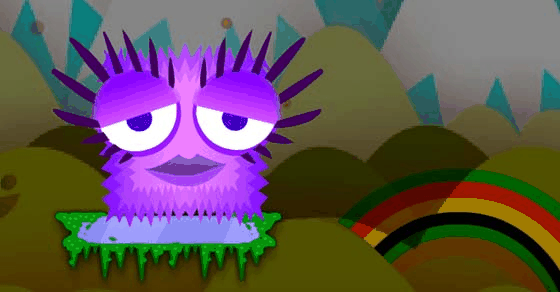
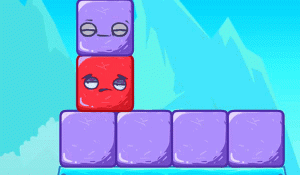
Mook Stacker 2 is a puzzle game built around two connected actions: releasing small characters called mooks from shaded areas on the screen, then stacking them on top of each other. The shaded areas act as starting points; clicking or tapping a mook frees it. Once released, you drag each mook onto a growing stack. The challenge is keeping that stack balanced so no mook tumbles off the playing area. Every placement changes the stack's center of gravity, so a move that looks safe can destabilize the tower if the mook's shape or position is off.
Level Progression and Layout Variety
The game includes more levels than its predecessor, and each level introduces a new layout. Early arrangements are straightforward, but later levels increase complexity by changing how mooks are distributed in the shaded areas and how much space you have to build. Because the layouts differ, you cannot rely on a single stacking pattern; you have to read each screen before placing your first mook. The gradual increase in difficulty keeps the game engaging without becoming frustrating, making it suitable for short breaks or longer sessions.
Controls and Accessibility
Controls are intuitive: tap or click to release, drag to place. The game responds reliably, which matters when a millimeter of misplacement can tip the stack. This simplicity makes Mook Stacker 2 accessible to players of all ages and skill levels. There are no complex menus or timers mentioned, so you can plan each move at your own pace. The colorful, cheerful visuals reinforce the relaxed tone, and the family-friendly design means younger players can enjoy it alongside adults.
Tips for Stable Stacks
Patience is the main skill. Before freeing a mook, scan the shaded areas to see what shapes are available and where they might fit. Place wider or flatter mooks near the bottom to create a stable base, and save narrower pieces for upper layers. If a level feels difficult, step back and plan a sequence rather than acting impulsively. Practicing regularly improves your sense of balance and timing, and anticipating how each placement affects the stack's center of gravity will help you avoid collapses.





Comments
0 comments