
Puzzle Exploration Basics
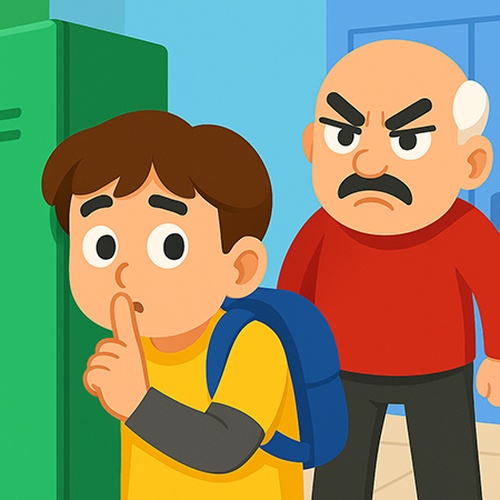
In Classroom Breakout 3D Puzzle, players take on the role of a young student who must navigate through a series of colorful 3D environments. The primary objective is to explore each level thoroughly, locate hidden clues, and solve the puzzles that block the path to the exit. The game encourages careful observation and logical thinking, as each environment is filled with interactive elements that require attention to detail. The 3D perspective allows players to rotate the view and examine the surroundings from multiple angles, which is essential for spotting solutions.
Controls and Camera
The game uses an on-screen joystick for movement, making it easy to guide the student through the 3D space. Players can also swipe the screen to rotate the camera, providing a better view of the environment. These controls are designed to be intuitive and responsive, ensuring a smooth experience on both mobile devices and desktop browsers. The learning curve is gentle, so new players can quickly grasp the mechanics while still facing increasing challenges as they progress through the levels.
Level Design and Difficulty
Each level in Classroom Breakout 3D Puzzle presents a unique layout with its own set of obstacles and puzzles. The difficulty gradually increases, introducing more complex puzzles that require creative thinking. Some puzzles may involve moving objects, finding keys, or activating switches in the correct order. The environments are bright and colorful, appealing to younger players, but the puzzles are designed to engage older players as well. The game avoids any violent or inappropriate content, making it suitable for family play.
Tips for Progress
To succeed in Classroom Breakout 3D Puzzle, take your time to explore every corner of each level. Clues and pathways are often hidden behind objects or in less obvious areas. Use the camera controls to get a full view of the room before making a move. If you find yourself stuck, try approaching a puzzle from a different angle or revisiting earlier sections of the level. Regular practice will help you improve your problem-solving speed and master the controls.



Comments
0 comments