
Designing a Model's Look
Every session starts with a base face. From there, you choose makeup options such as eyeshadow, lipstick, and blush. Each selection shifts the model's appearance, so you can aim for a natural finish or something more dramatic. Once makeup is set, you pick a hairstyle that complements the face. The game encourages mixing colors and styles without any timer, letting you refine a signature look at your own pace.
Photography and Portfolio Assembly
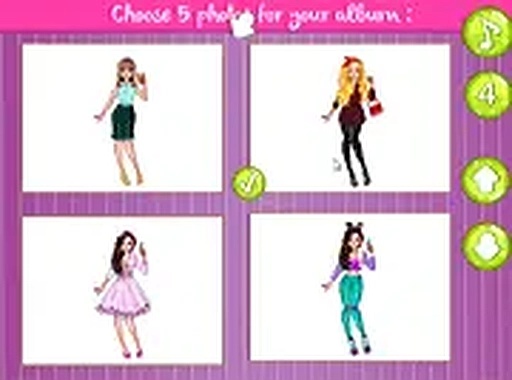
After styling, a camera tool lets you capture the model from multiple angles. A simple interface displays each shot so you can compare them side by side and pick the one that best represents your work. The chosen photo is then placed into a model book. This book serves as a portfolio, and you can personalize each page with stickers—stars, flowers, and other designs—using drag-and-drop or tap controls.
Access and Audience
Style Portfolio Builder runs in a web browser on both desktop and mobile devices. Controls rely on mouse clicks or touch inputs, and the interface adapts to different screen sizes. No downloads or installations are needed. Because there are no scores, timers, or competitive elements, the game suits anyone interested in fashion, makeup, or visual arts who wants a relaxed, open-ended creative outlet.









Comments
0 comments