
Stylist Role & Character Customization
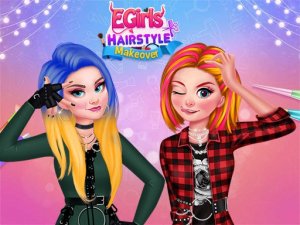
In Style Icon Studio, players take on the role of a personal stylist for a character with a rock-inspired aesthetic. The game begins by selecting the character you wish to transform. From there, you have access to a full suite of cosmetic tools that allow for detailed customization. The experience is built around the idea of creative freedom, letting you experiment with different looks without any time pressure or scoring system.
Makeup & Hairstyling Tools
The makeup section offers a range of options for eyes, lips, and cheeks, with various colors and intensities to choose from. You can apply subtle tones for a natural look or go bold with bright shades. Hairstyling tools let you change both color and cut, giving you the ability to create anything from sleek straight styles to voluminous curls. These tools are designed to be intuitive, requiring only simple clicks to apply changes.
Wardrobe & Accessory Selection
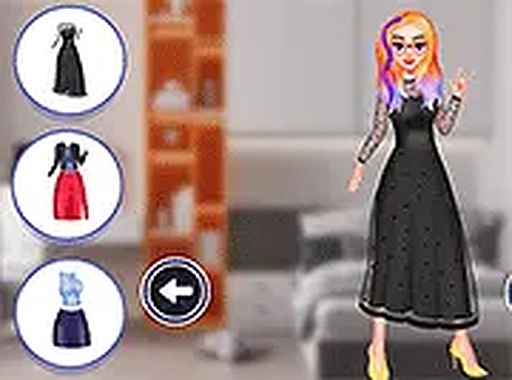
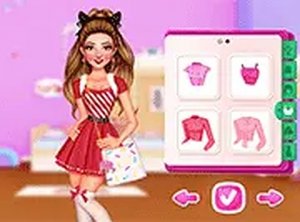
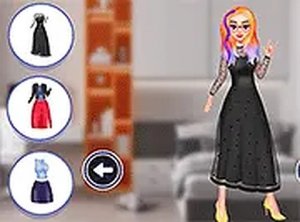
The wardrobe features a collection of clothing items that fit the rock theme, including jackets, tops, and pants with a range of textures and patterns. You can mix and match pieces to build an outfit that reflects your personal taste. Accessories such as necklaces, bracelets, and boots add the finishing touches. The game encourages layering and combining different elements to achieve a cohesive look.
Endless Experimentation & Replay Value
One of the standout features of Style Icon Studio is the ability to change any element at any time. This means you can start with a specific idea and refine it as you go, or try completely different combinations in a single session. There is no right or wrong way to play, which makes the experience suitable for both casual players and those who enjoy detailed customization. The simple interface ensures that players of all ages can navigate the options easily.




Comments
0 comments