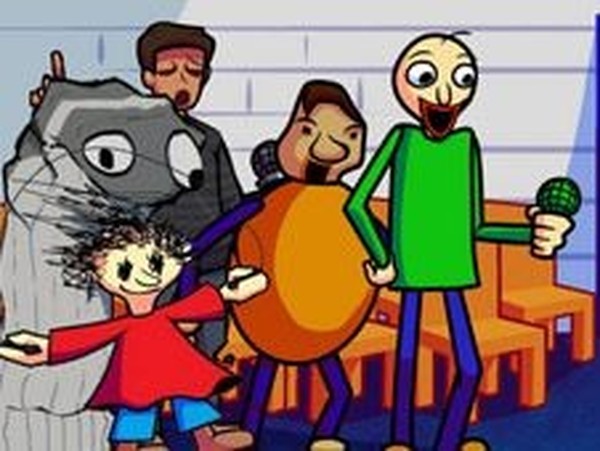
Baldi Rhythm Match Online Game

Baldi Rhythm Match Online Game

Developer: Climb Wanderer Games
Published: 2025-04-22
Updated: 2026-07-05
| Rhythm Game , Music Game , Arcade Game , Family Game , Casual Game , Skill Game

Review

Baldi Rhythm Match offers a delightful music experience for players of all ages. The game combines familiar characters with intuitive arrow-key controls. The adjustable difficulty ensures everyone can enjoy it, while the story and free play modes provide variety. The soundtrack by DiogoTV is catchy and keeps you engaged. A safe, wholesome choice for family fun.

About This Game

Game Introduction

Baldi Rhythm Match Online Game is a music-based rhythm game that combines the classic beat-matching gameplay of popular rhythm titles with characters from the Baldi universe. In this game, players take on the role of Boyfriend and must press the correct arrow keys as symbols appear above his head. The goal is to keep up with the beat and complete each song. Missing too many notes in a row results in Baldi winning the round. The game includes a story mode with a sequence of songs and a free play mode for practice. Difficulty levels can be adjusted to suit different skill levels. This mod is created by Tricky the clown_YT, with music by DiogoTV and others, and is based on the original open-source game by ninjamuffin99 and team. It is designed to be safe and enjoyable for players of all ages, with no violent or inappropriate content.

How to Play

To play, watch the arrow symbols that appear above Boyfriend's head. When you see them, press the matching arrow keys on your keyboard at the same time. The game requires you to stay in rhythm and hit each note accurately. You can start with story mode to follow a sequence of songs, or choose free play mode to practice any song. Adjust the difficulty level to make the game easier or harder. If you miss too many notes in a row, you lose the round, and Baldi wins. Stay focused and enjoy the music. The controls are simple, making it easy to learn, but the challenge increases as you progress.

Game Features

Family-friendly rhythm gameplay. Combines characters from Baldi and popular rhythm games. Story mode and free play mode available. Adjustable difficulty levels. Catchy music by DiogoTV and others. No violent or inappropriate content. Suitable for kids and families.

Tips for Success

Practice regularly to improve your timing and accuracy. Start with easier difficulty levels to get familiar with the song patterns. Pay close attention to the arrows and try to anticipate the next notes. Use free play mode to practice specific songs without the pressure of story mode. Stay relaxed and keep a steady rhythm to avoid missing notes in a row.

Compatibility

๐Ÿ’ป Desktop | ๐Ÿ“ฑ Mobile | ๐Ÿ“Ÿ Tablet
โ€“ All supported ยท Best with Chrome or Safari

Faq

Is Baldi Rhythm Match free to play?
Yes, Baldi Rhythm Match is free to play online. There are no hidden costs or in-app purchases required to enjoy the full game experience.
Can I play Baldi Rhythm Match on mobile devices?
Baldi Rhythm Match is designed for desktop browsers with keyboard controls. Mobile support may vary, but many players use external keyboards for rhythm games on tablets.
Who created the music for Baldi Rhythm Match?
The music for Baldi Rhythm Match is created by DiogoTV and other contributors. The soundtrack features catchy tunes that match the rhythm gameplay.
What happens if I miss too many notes in Baldi Rhythm Match?
If you miss too many notes in a row, Baldi wins the round. You can restart the song or try again from the beginning to improve your score.
Does Baldi Rhythm Match have a multiplayer mode?
Baldi Rhythm Match is a single-player game. There is no multiplayer mode, but you can compete with friends by comparing high scores or completing songs together in turns.
How do I change the difficulty in Baldi Rhythm Match?
You can adjust the difficulty level from the game menu before starting a song. Options typically include easy, medium, and hard, allowing players of all skill levels to enjoy the game.

Comments

0 comments
U
User
Loading comments...